
Integrated customer visibility
Group customers in dynamic columns based on configured labels and understand the status of your base at a glance.
Organize customers, prospects, and accounts in custom columns that reflect their real status. A visual, agile, flexible way to understand every relationship with your company.
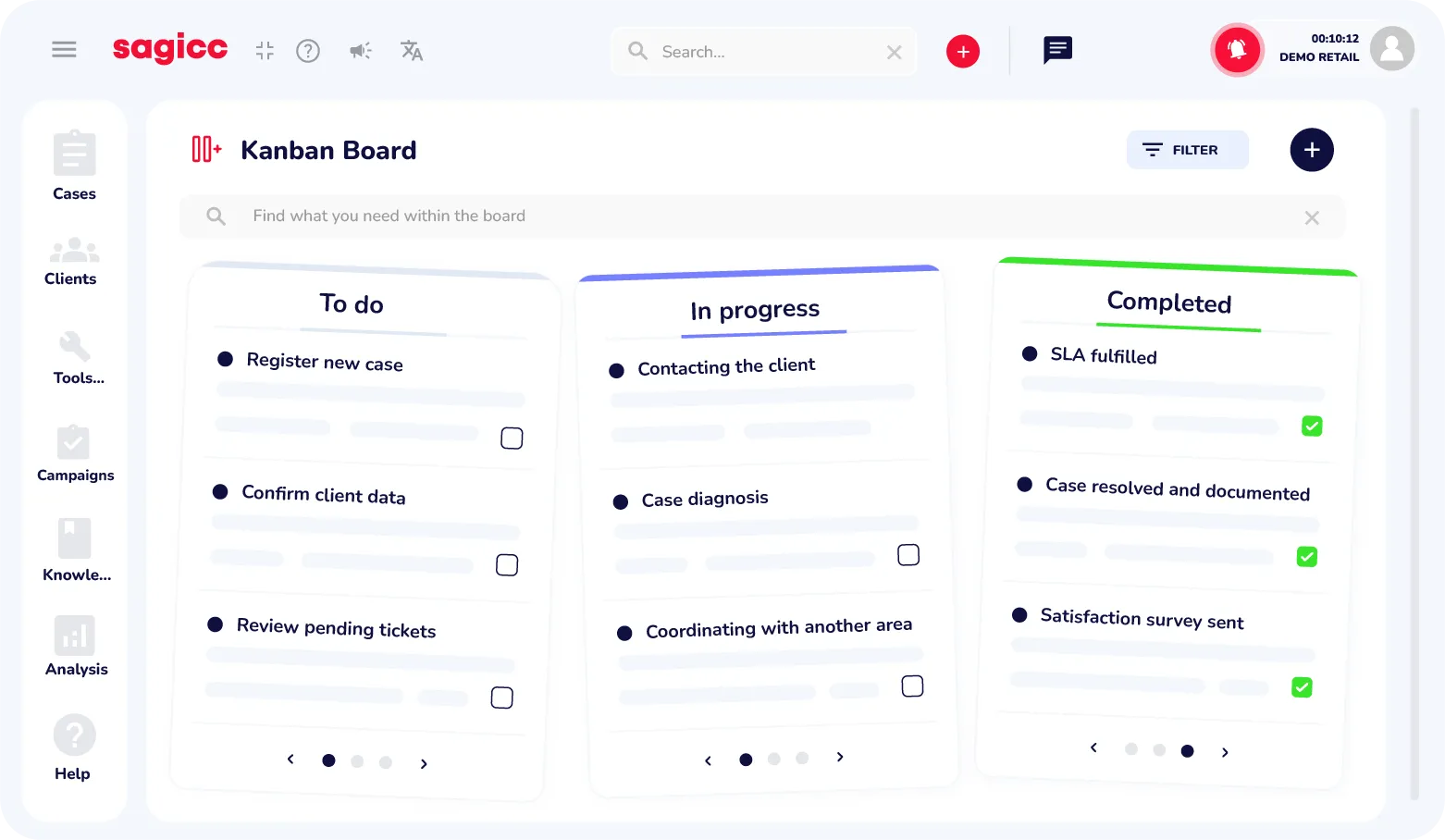
Beyond organizing, Sagicc Kanban helps you anticipate. Spot bottlenecks, understand workload, and make strategic decisions in real time.
Group customers in dynamic columns based on configured labels and understand the status of your base at a glance.

Move customers between columns with a drag and drop and update their status automatically with no extra steps.

Define labels, colors, and columns to adapt the board to every campaign or business workflow.

Give your team more order, speed, and control in every campaign.




A strategic tool that adapts to sales, support, and executive management without friction.


Kanban board
We answer the top questions about customization, campaign usage, and daily Kanban management.
Cards include data such as name, document, creation date, and assigned user.
Yes. Create new labels, define colors, and order columns to match your workflow.
Each board is associated with a specific campaign to guarantee an accurate, relevant view.
It appears automatically in the "No label" column until a label is assigned.
Absolutely. Drag the customer card to the desired column and the label updates instantly.