
More reach, same message
Send through WhatsApp, SMS, and email from a single workspace, keeping templates and content consistent.
Inform, confirm, and remind through the channels your customers use - WhatsApp, SMS, email, and more. Configure simple rules, approved templates, and real-time tracking.
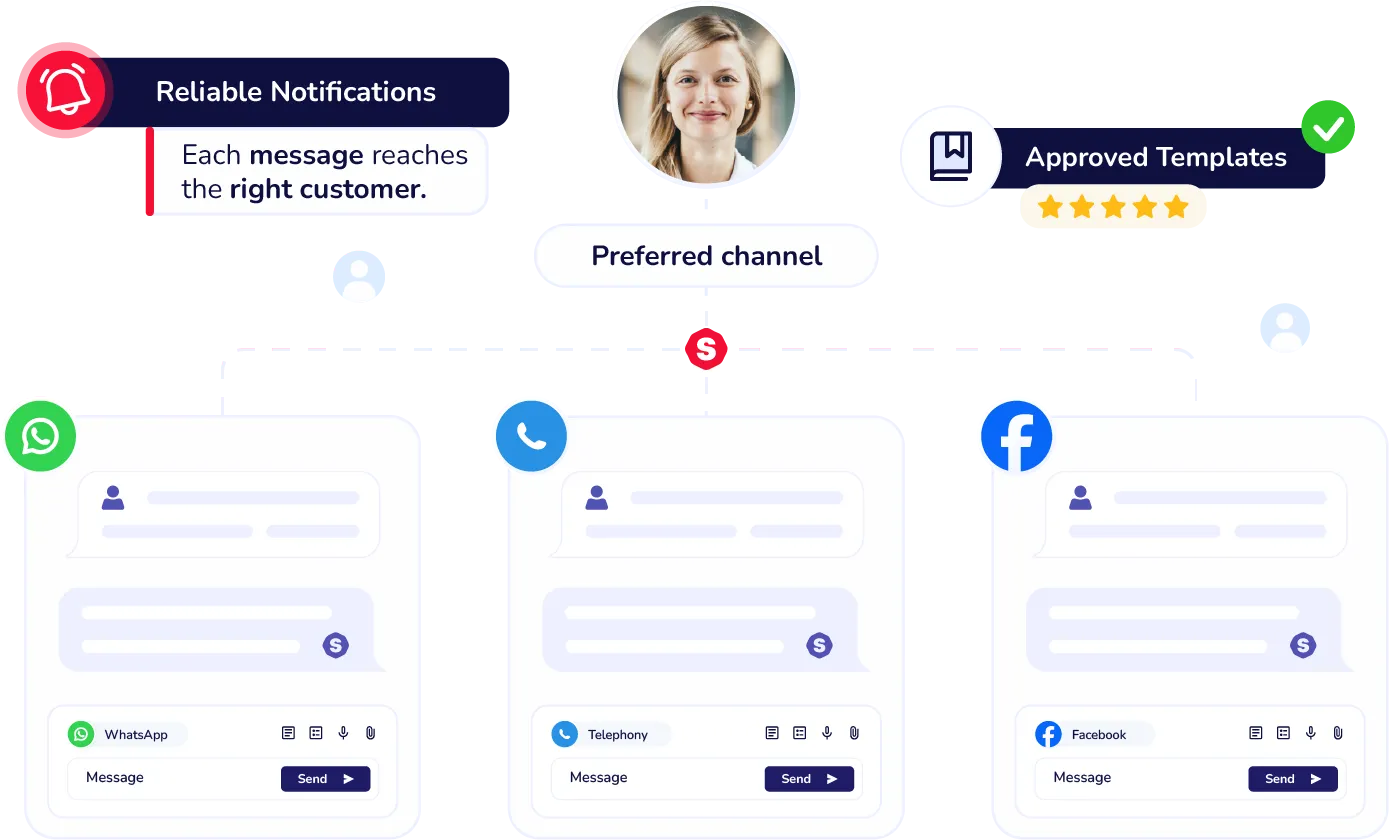
Omnichannel reach, fast rollout, and complete delivery history in one place.
Send through WhatsApp, SMS, and email from a single workspace, keeping templates and content consistent.

Activate rules by event, time, or SLA and use dynamic, multi-language variables for reminders, confirmations, and critical alerts.

Review the delivery log and applied rules to know what was sent, when, and why.
Set up confirmations, status updates, due dates, alerts, and surveys inside Sagicc.


Alerts and notifications
We cover the common questions about the notifications you can send and manage inside Sagicc.
You can use WhatsApp, SMS, email, and automated calls. Simply choose one or multiple channels and set the sending rules directly inside Sagicc.
Yes. You can use dynamic variables, multilingual templates, and WhatsApp-approved message models, all with permission control for your team.
Yes. You can trigger alerts automatically based on events such as case creation, status changes, scheduling, reminders, or external integrations.
Sagicc lets you set quiet hours, daily limits, priorities, and frequency rules. The system also groups or sequences messages when needed to avoid over-communication.